Is there really a free QR code menu?
Yes, with caveats. A QR code is just a web address drawn in little squares: making one is free and, if it is static, it never expires and does not depend on the site that made it. What is not free is what sits behind it: somewhere to publish the menu and someone to keep it current.
If you are after a free QR code for your restaurant, the useful question is ‘what will it cost me later, in time or money?’. There are six ways to create a digital menu for free, or nearly, and none is perfect.
Static vs dynamic QR codes: the most common trap
This difference causes the nastiest surprises after printing:
- Static QR code: the destination address is written into the code itself. It never expires and does not depend on the generator: delete your account there and it still works. Its limit: you cannot change the destination once printed.
- Dynamic QR code: the code points at a short address owned by the generator, which redirects to your menu. You can change the destination without reprinting and count scans, but the printed code only works while that company keeps redirecting.
The trap: some ‘free’ generators make a dynamic code by default. It works during the trial; when the trial ends, it stops redirecting or asks you to pay. If you have already printed table tents for every table, that is your problem. Our QR code generator only makes static codes: they hold your address as it is and do not go through us.
How to tell which you have: scan it and look at the address before opening it. Your website, menu or file means static; the generator’s domain or a shortened link means dynamic.
Only a code pointing at an address you own depends on nobody. With your own website, you can point the code at a page such as yourvenue.co.uk/menu that redirects to your menu: change systems and you change the redirect, not the print.
The free options, one by one
Your menu as a PDF + a static QR code
Upload the PDF to your website and point a static code at the file (our free QR code generator makes one with no sign-up): no cost if you already pay for the site. At the table, a PDF laid out for paper means pinching and zooming, and one heavy with photos is slow on mobile data. Every price change means replacing the file without changing its address, or the code keeps showing the old version.
A menu you design yourself + a QR code
Build the menu in a free design tool and publish it as a PDF or image. You can design it for phones, but every price rise means opening, exporting and uploading it again; when that slips, the menu behind the code stops matching the kitchen.
A Google Drive link
It is the quickest route and also where most things go wrong at the table:
- Permissions: if the file is not shared with ‘anyone with the link’, guests are asked to request access. It is easy to miss, because the owner, signed in, sees it fine.
- Small print: the viewer shows the whole page and guests have to zoom in.
- The link changes if you upload the new menu as a separate file: replace the existing one instead (Drive lets you upload a new version of the same file).
An Instagram link
A menu in a post or story highlight, with a code pointing at your profile, falls down at the table:
- Private account: anyone who does not follow you sees nothing.
- Login prompts: without the app, Instagram in the browser often asks people to log in to keep browsing.
- Small print: the menu ends up as photos to zoom into, with no categories and no search.
- Another app: guests leave your menu for an app full of notifications and messages.
- Old prices: older posts stay visible, with the old prices.
Instagram is great for showing off dishes; for reading the menu at the table, less so.
Digital menu apps with a free plan
Fine for a start, but read the small print: they usually limit dishes, photos or monthly visits, add their branding or adverts, or expire and become paid. The key question: what happens to my printed QR code if I leave the free plan, or the company changes its terms?
A software free trial
It is not a free menu: it is a chance to try the full product with your real menu before paying. Check whether they want a card, whether they charge automatically at the end and what happens to the QR code afterwards.
Comparison: cost, changes and what happens if you stop paying
| Option | Cost | Changing a price | Photos | Languages | If you stop paying |
|---|---|---|---|---|---|
| PDF + static QR code | Nothing if you have a website | Edit, export and replace the file | Yes, but they are heavy | Only in another version | Nothing to pay; works while the file is online |
| Menu you design yourself | Nothing (your time) | Redesign and upload again | Whatever you add | Only in another version | Same as the PDF |
| Google Drive link | Nothing | Replace the file without changing the link | Yes, with zooming | Only in another version | Nothing to pay; depends on sharing settings |
| Nothing | Post again; old posts stay visible | Yes | No | Nothing to pay; private accounts are hidden | |
| App with a free plan | Nothing, with limits | From its dashboard | Depends on the plan | Depends on the plan | Depends on its terms: read them before printing |
| ‘Free’ dynamic QR code | Nothing at first | You change the destination | Depends on the destination | Depends on the destination | The code may stop redirecting or ask for payment |
| ElMenu | 14 days free, no card; then from £14.99 + VAT a month | Instantly from the dashboard, no reprinting | Several per dish | Automatic translation into 12 languages | Guests see ‘Menu unavailable’; reactivate and the same code works again |
How to make a free QR code menu, step by step
The simplest route that costs nothing is a PDF of your menu with a static QR code. Five steps:
- Get the PDF ready for a phone: portrait pages, one or two columns, large type and light photos, so it opens quickly on mobile data.
- Upload it to an address that will not change: your website, if you have one, or a Google Drive file shared with anyone who has the link.
- Make a static QR code for that address and download it. You can do it with our free QR code generator, with no sign-up. When you scan it, you should see the address of your file, not the generator’s domain or a shortened link.
- Test it the way a guest will see it: with two different phones, on mobile data and without being logged in to your own account.
- Print it and keep the menu up to date: when a price changes, replace the file without changing its address, or the code will keep showing the old version.
That gives you a QR code menu without paying anything extra. What you will not have is instant price changes, sold-out dishes or translation: if you need those, go back to the comparison above.
Checklist before you print the QR code
Whichever option you choose, check this before printing:
- Scan it with at least two different phones, an Android and an iPhone.
- Look at the address that appears: it should be your menu, not a link from the generator.
- Open it on mobile data, on a phone not signed in to your accounts, as a guest would: it should load fast and read without zooming.
- Decide who will update prices and dishes, and how often.
- Read what happens to that code if the trial ends, you stop paying or you change plan.
- Print a test at full size and scan it from a guest’s seat, under your own lighting.
- Print the menu address under the code for anyone who cannot scan it.
For the size, the stand and where to put it, follow our guide to QR code table tents.
Where ElMenu fits
ElMenu is not free, and it is better to say so plainly: there is a 14-day free trial with no card, then it costs from £14.99 + VAT a month on the Starter plan (see pricing). Nothing is charged automatically when the trial ends. What you can check is how its QR code behaves:
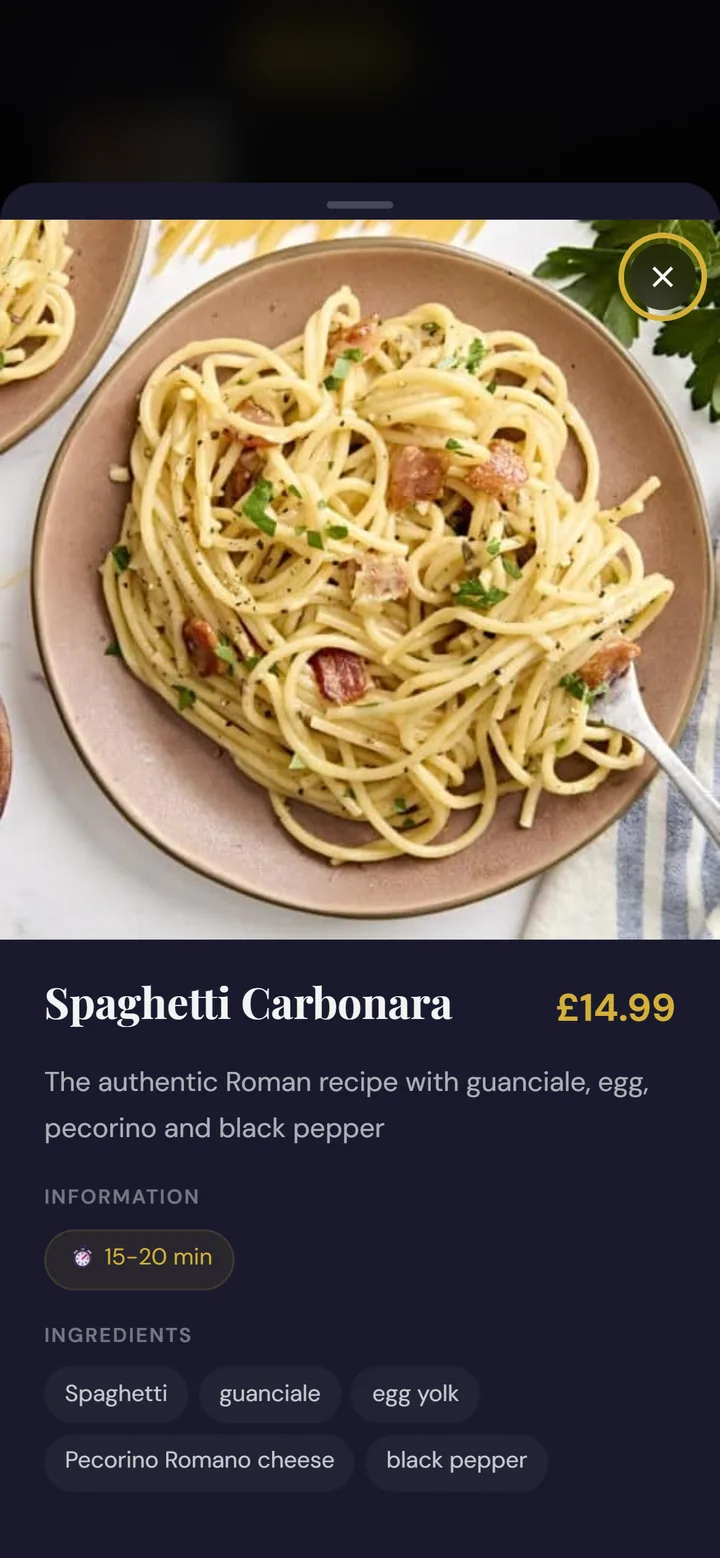
- It is a static code pointing at your menu’s address, elmenu.uk/your-venue, with no link shortener in between. Change prices, photos or dishes and the same code shows the current menu.
- The address does not change: it is set when you create the account and cannot be edited from the dashboard.
- If you stop paying, after a few days’ grace anyone who scans sees an ElMenu page saying ‘Menu unavailable’, with your venue’s name. Your account, dishes and photos stay saved.
- If you reactivate payment, the same code shows the menu again, with nothing to reprint.
- Eight print templates, such as the table tent, with your code already on them.
To be fair: on the Starter plan the menu shows a small ‘Digital menu by ElMenu’ link at the bottom (removable on Professional and Premium). And because the code points at an ElMenu address, switching systems means printing new codes, as with any menu hosted by another company; the redirect from your own website described above avoids that.
If your menu is already a PDF, ElMenu can show it inside the page without guests downloading it: see PDF menu with a QR code.